How It Works
Four simple steps to tap, share, and capture leads
TapFlo is designed to be effortless in the moment. Your tap card shares your digital business card instantly, and the person who taps can send you their info through a quick lead form. Leads show up in your dashboard.

1
Sign up and create your profile
Create your TapFlo profile with your contact info, links, and a clean digital business card experience.
2
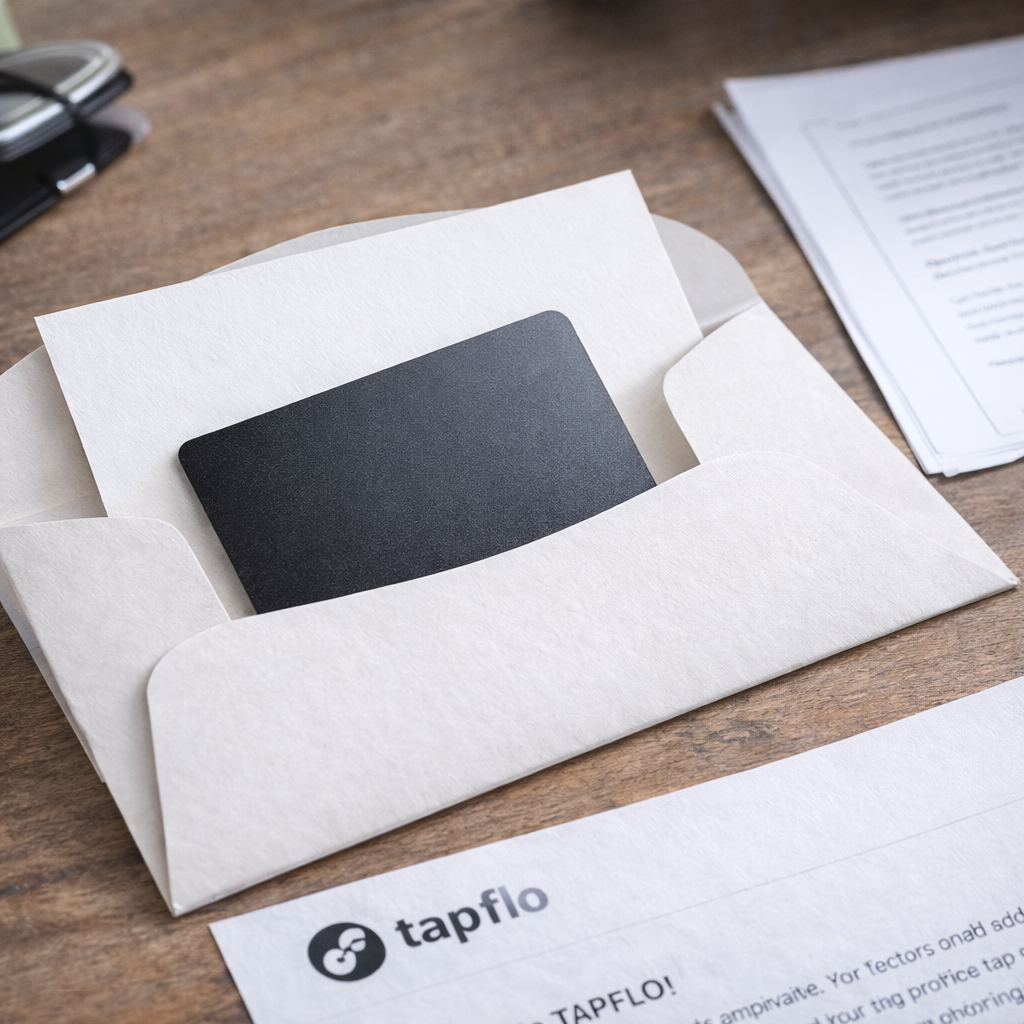
Receive your tap card in the mail
Once your account is active, you’ll receive your TapFlo tap card. Keep it with you for daily networking.
3
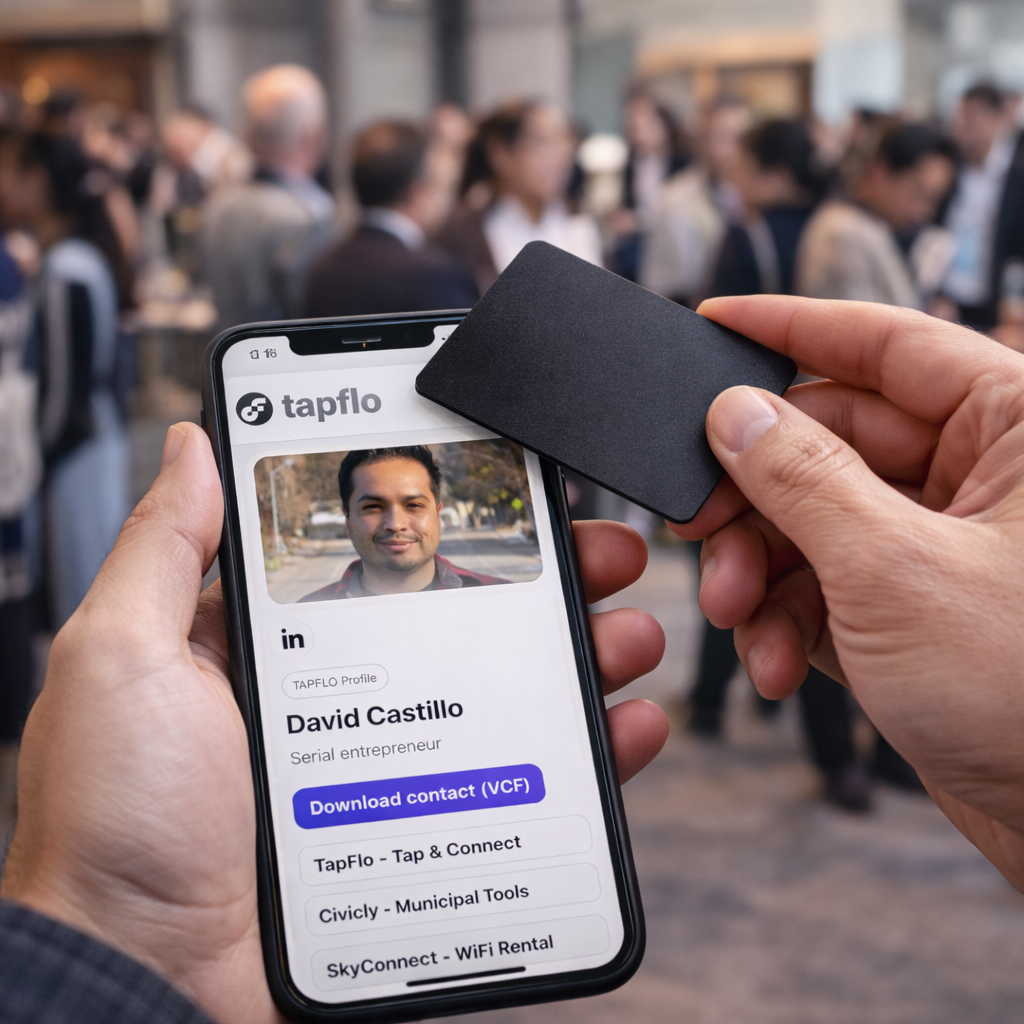
Tap their phone to share your profile
Tap the card to the top area of most phones near the camera where NFC antennas usually are. They view your profile instantly.

4
Capture leads in your dashboard
If they fill out the lead form, their info appears in your admin panel under the Leads section for fast follow-up.
Start networking with TapFlo
Create your profile and activate your tap card today.